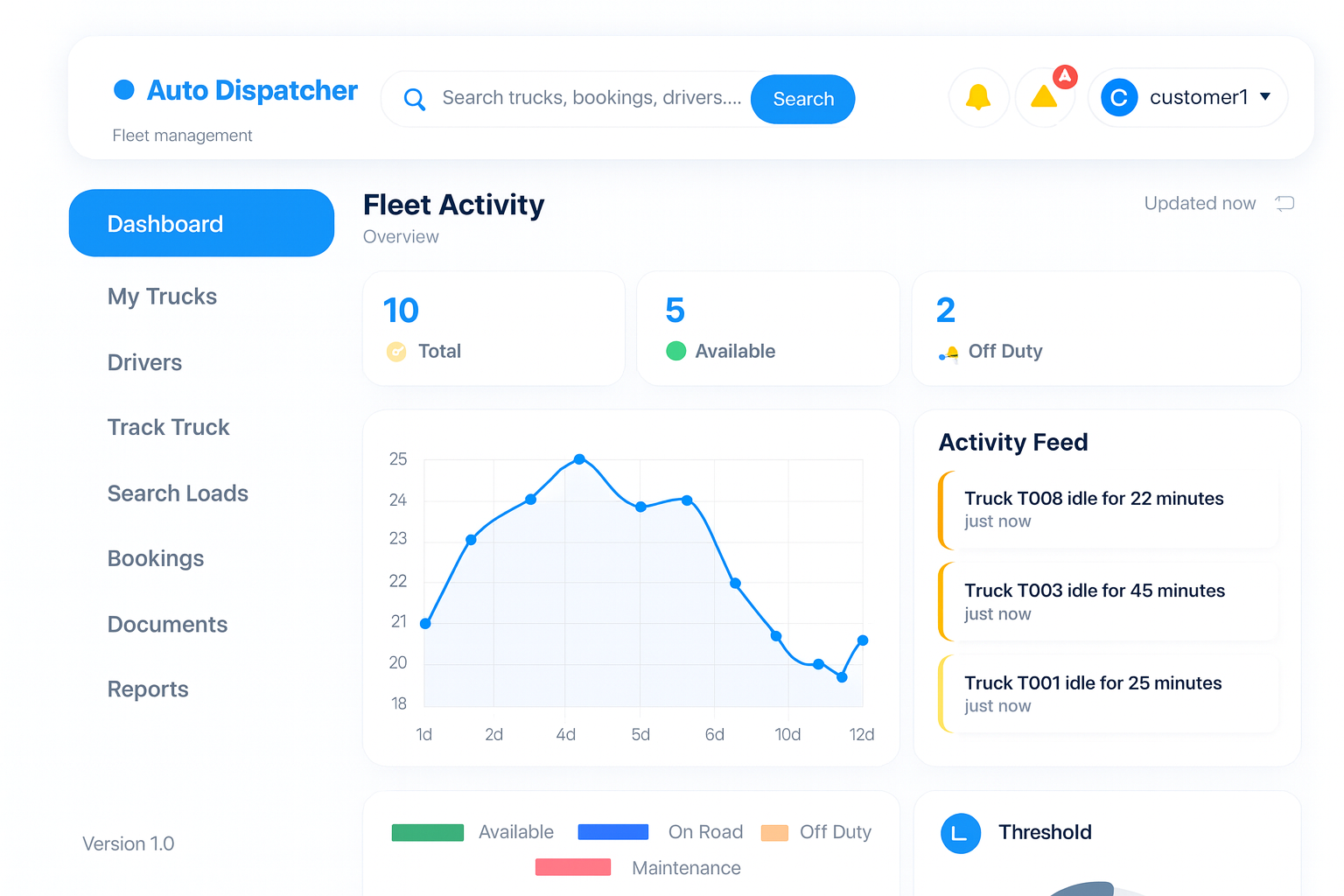
Fleet & Truck Management
Maintenance Schedules
Setting up service alerts.Prevent breakdowns by scheduling maintenance.
- Go to vehicle details > Maintenance tab.
- Set intervals by Mileage (e.g., every 15,000 miles) or Date.
- The system will alert the dispatcher and driver 500 miles before service is due.
Getting Started
Dashboard Tour
Understanding the main interface.The dashboard is your command center. It refreshes every 30 seconds.
- Active Loads Map: Real-time GPS location of all cargo.
- Revenue Widget: Gross revenue for the current week vs last week.
- Alert Center: Notifications about delayed drivers or maintenance due.
Initial Setup Checklist
Complete these steps to go live.
Essential
Welcome to Dispatcher Pro AI
Before you start dispatching, ensure your company profile is complete.
- Company Details: Go to Settings > Company. Enter your DOT/MC Number and Tax ID.
- Users: Invite your dispatchers via Settings > Team Management.
- Timezone: Set your operating timezone to ensure load ETAs are accurate.